Download
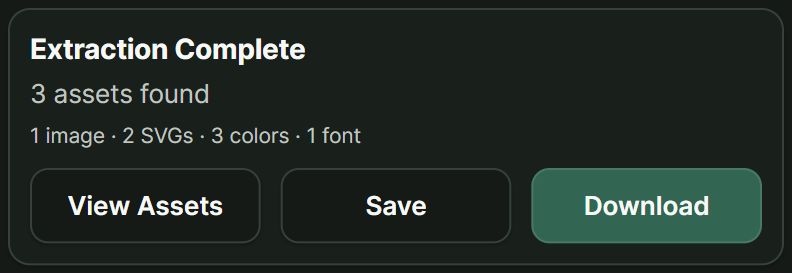
Download your scan, or use View Assets to choose individual files.

THE SOURCE WORKFLOW
Scan a page, explore its assets, and choose what to keep.
01
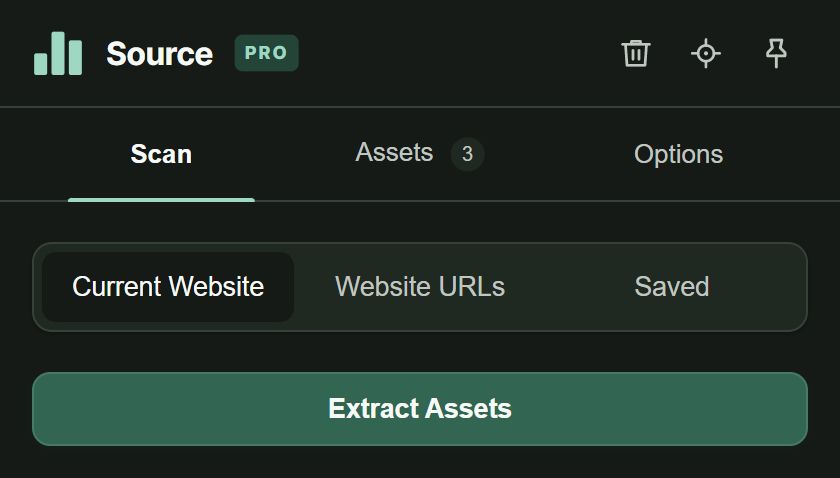
Found a website that catches your eye? Open Source and choose Extract Assets.
Start with the current page. Scroll first to load the images you want to find.
02
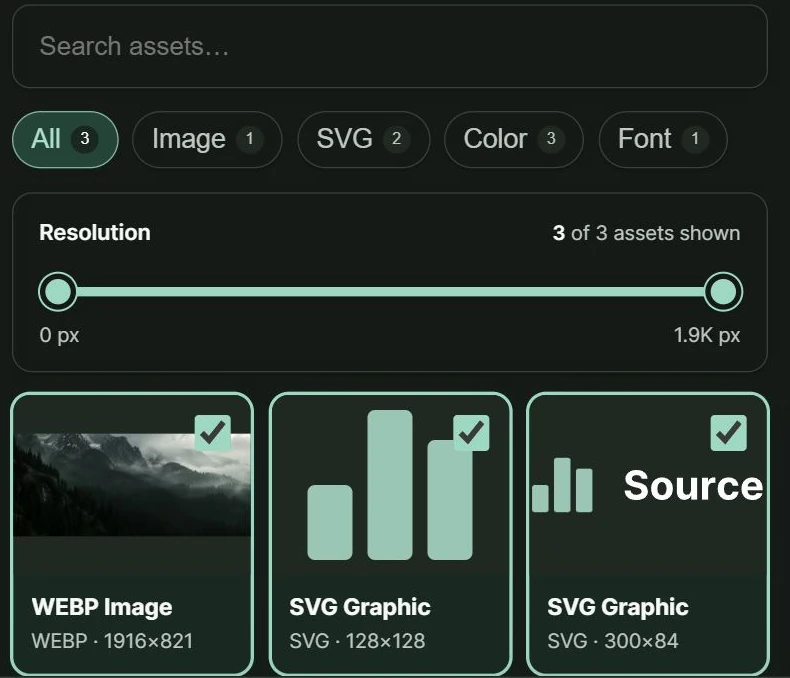
See what the page has to offer. Search, filter and preview your finds, then select the ones you need.
Images, SVGs and colors in one place. Pro adds fonts, videos and more.
03
Ready to use it, or still gathering ideas? Keep your finds the way that works for you.
Download your scan, or use View Assets to choose individual files.
Click Save after a scan. Find it in Saved whenever you need it.
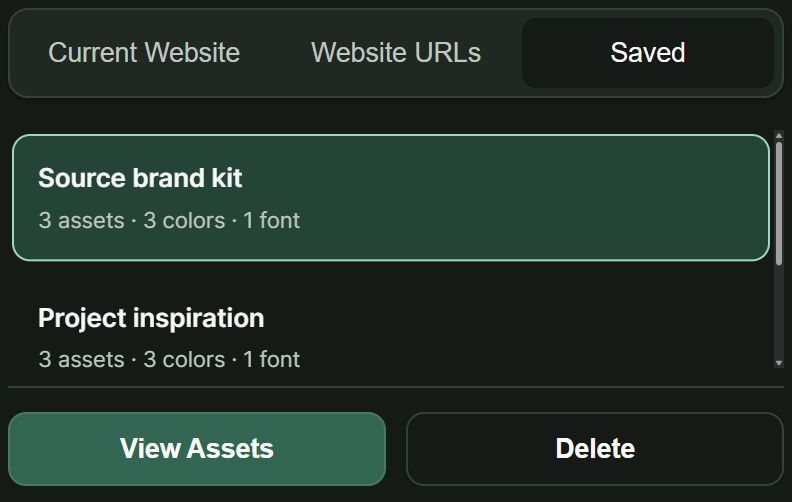
3 saved scans free. Unlimited with Pro.Saved in this browser. Storage limits apply.